
Name-Based Case Searches
Pick the venue before you type a name. Superior Court holds the heavy dockets. Felonies, divorce and domestic matters, equity, land-title cases, and major civil actions all land there. State Court covers misdemeanors and the civil matters within its jurisdiction. A Columbus traffic ticket or local violation may sit in Recorder's or Municipal Court. Estates and guardianships belong in Probate. Magistrate handles small civil claims, garnishments, and dispossessory matters.
- Open the official Muscogee Court Portal and choose Smart Search, not Jail Search or Make Payments.
- Use the current live party controls and enter the most exact name supported by the form.
- Narrow the results by the correct court, case type, or filing period when those controls appear.
- Open a likely result and compare the court, style, filing year, judge, and status.
- Verify the result against the docket entries and settings before relying on it.
The official static page does not expose the dynamic form's exact labels, required markers, or wildcard rules. So do not assume a last-name-first rule. When you already have a case number or filing year, skip broad searches entirely and read the live labels instead.
| Search control | Type | Required | Research-supported note |
|---|---|---|---|
| Search for court records | Dynamic form | Not shown in static HTML | Use live party or case controls |
| Search Hearings | Date range | Not marked | Find hearings within a stated range |
| Superior directory | Court, directory, judge | Route required | Calendar files, not a party register |
| State directory | Court, directory, judge | Route required | Current and archived calendar options |
Smart Search for Muscogee Dockets
The Clerk's Court Portal resource names Tyler Odyssey ePortal as the local public entry point. Smart Search covers court records. Search Hearings covers hearings in a date range. Jail Search is a party or jail-record module, not the register of actions. Make Payments does not research a case at all.
The portal needs JavaScript, cookies, and a supported browser. If it fails, retry from the official portal landing page. Avoid a saved dynamic route. A result may reveal docket information without granting every filed PDF. Tyler Odyssey eFileGA and Peach Court are attorney filing systems. Their filing screens are not the public docket reader.
Case Number Searches
An exact case number is usually the strongest key. It separates people with similar names. Enter the identifier exactly as the official record gives it. Then confirm the court and the filing year. Muscogee County's accessible official text publishes no single stable local format or complete code list. So no invented year-prefix or CR/CV pattern belongs in a search.
Use the exact clerk-issued case number. If you know only part of it, ask the proper clerk. Confirm which punctuation and digits the live system needs. Civil copy forms accept plaintiff, defendant, case number, and year when available. Criminal forms use defendant, charge, date of birth, case number, and year. Those fields help the clerk find the record when the portal cannot.
Three Muscogee Search Layers
Muscogee County runs three layers that serve different tasks, and confusing them can make a valid record seem missing.
| Layer | Purpose | Limit |
|---|---|---|
| Tyler Smart Search | Case and court-record lookup | Dynamic coverage and fields vary |
| Superior/State Docket Directory | Posted setting and calendar files | Not a name-search register |
| eFileGA or Peach Court | Submit attorney and party filings | Not the public docket-reading view |
For a hearing, pair Smart Search with the official Docket Directory and the Muscogee County court schedule. For a filed judgment, order, indictment, accusation, decree, or final disposition, locate the case first. Then use the Clerk's copy process.
Case Search Results Explained
A free public result is a locator. Depending on the court and its access rules, it may show a case header, parties, filing events, settings, status, disposition, and some payment information.
| Case Number | The exact court identifier, which must be copied from the live result or clerk record. |
|---|---|
| Style or Parties | The case caption and public participants shown by the clerk. |
| Court and Judge | The venue and assigned judicial officer when displayed. |
| Filed Date | The date the clerk accepted or opened the case or filing. |
| Status | A broad posture such as pending, disposed, or closed. |
| Settings | Public hearing dates, times, rooms, and event types when available. |
A docket is not the whole file. It is the chronological index of court actions and settings. Document images may carry separate access or copy fees. A missing name does not prove no case exists, since venue, spelling, sealing, juvenile confidentiality, historic digitization, and portal coverage can all affect results.
Probate Search Spelling Variations
The official Muscogee Probate Tyler disclaimer describes that index as a catalog, much like a library catalog. It tells searchers to try spelling variations. It also warns that the index does not replace review of the original records.
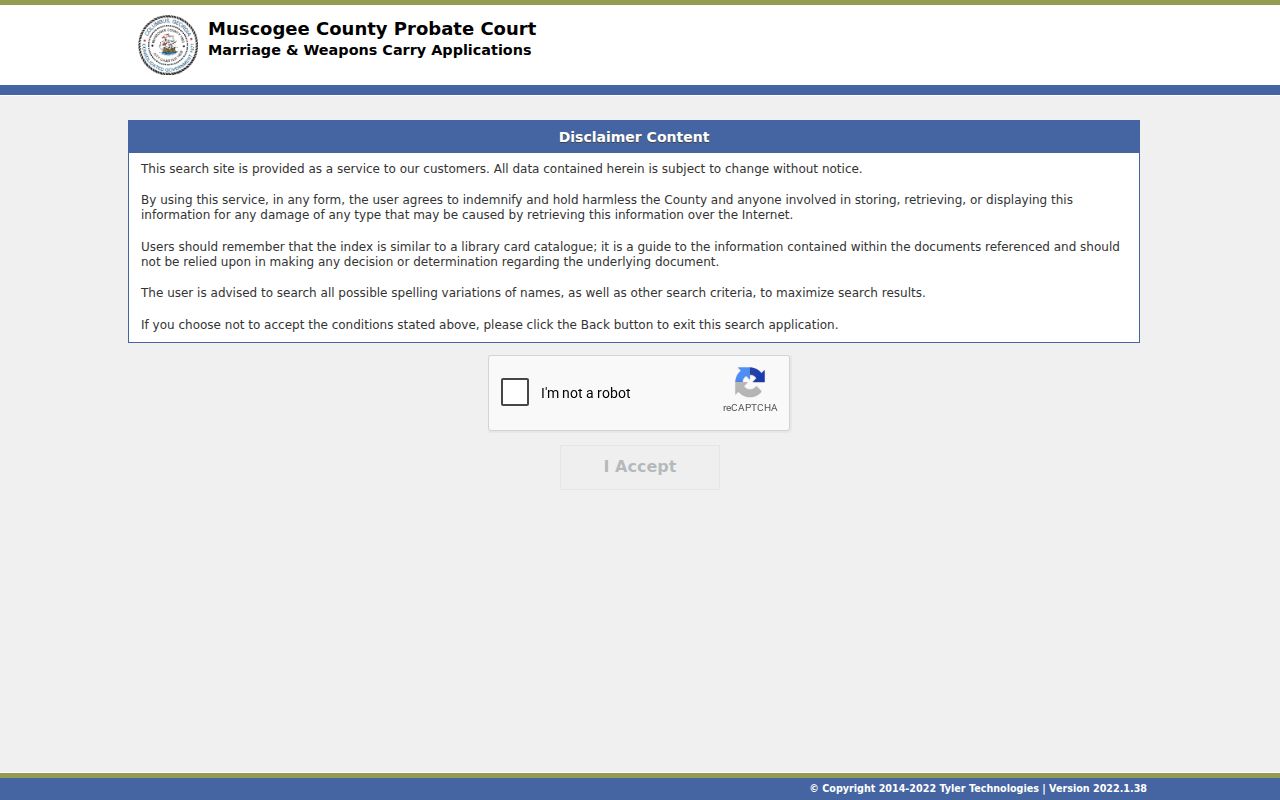
That disclaimer reinforces two useful limits. Probate searching belongs to the probate channel. It is not a countywide docket search. A catalog result must be checked against the court record itself. A name variation can explain an apparent gap. That does not imply a record was removed.
Two Ways to Search: County and State
Georgia's E-Access to Court Records page is a statewide directory. It lists routes and providers for participating courts, including Muscogee State and Superior Courts. It is not a text-searchable register that merges all county courts.
| Georgia E-Access directory | Muscogee Tyler portal |
|---|---|
| Routes users to listed court access systems | Serves as the operative local public portal |
| Useful when the correct provider is unknown | Best for a known Muscogee State or Superior case |
| Does not merge lower-court dockets | Does not replace separate lower-court offices |
Municipal, Recorder's, Probate, Magistrate, and Juvenile records still require court-specific channels. Recorder's has a separate payment and copy service, Probate has its own application index, and Juvenile case details are confidential. Route by court first, then by name.
No Result? Contact Muscogee's Clerk
The Clerk says its records history reaches back to the late 1800s. The official portal does not claim every historic volume is digitized. A missing older case should move to the Clerk's public research counter or terminal. Bring the year, case type, party name, case number if known, and the document sought.
- Visit the Superior and State Clerk counter at 100 10th Street.
- Call the main office at (706) 653-4370 or the correct civil or criminal line.
- Use the Clerk's civil-domestic or criminal copy form by mail.
- Allow the published mail process up to ten business days.
- Contact the separate lower-court clerk when the case did not originate in Superior or State Court.
Clerk staff can locate public records and explain request steps. They cannot interpret the legal effect of an entry. A copy request is also the right step when the search shows an index entry but not the filed order or disposition you need.
Which Muscogee Cases Stay Restricted
Some files simply stay closed. Juvenile proceedings, sealed matters, and confidential Muscogee County court records may show up only in part. Some may not appear at all. A gap in the docket search is not a glitch in the portal. Georgia Superior Court Rule 21 sets the rules on sealing and public access for Superior Court records. That standard governs what a clerk can release. Expect redacted identifiers too. Getting into a sealed record takes a formal court process, not a wider name search.
Restricted does not mean destroyed. A record can remain with the clerk while its public display is limited by law or court order.
Ask the custodian whether public metadata, a redacted copy, or a court petition is the proper route.
Muscogee Juvenile Court is blunt on this point: juvenile cases are confidential. The public cannot get specific case information from that docket. The Municipal Court takes the same approach. It keeps sealed or confidential material out of public view. One warning deserves repeating. An empty result on a search does not mean the case never existed.
Federal Cases Use a Separate Search
Federal filings live in a different world. Cases from the Columbus Division of the Middle District of Georgia never show up as county cases in Tyler Smart Search. They sit in PACER and the federal CM/ECF system instead. Start at the official PACER case-search landing page for any federal docket.
That jurisdiction line is worth remembering. For State and Superior Court matters in Muscogee County, the county portal is the right tool. Lower courts each run their own systems. For federal dockets, PACER is the official source, and CourtListener and RECAP can fill gaps in federal research, though their coverage stays incomplete.
Recorder Search Is Not Smart Search
Recorder's Court runs its own channels for traffic cases and preliminary hearings. Its EagleWeb database is a separate record system, and finding a case there is no sign the same matter will surface in Superior or State Smart Search. The official Recorder database comes from Recorder EagleWeb.
Two record systems, one lesson: figure out the venue before anything else. A serious charge can open in Recorder's Court with an initial appearance or a probable-cause hearing, then bind over to State or Superior Court later. Hang on to the originating court and the case identifier so you can follow that move through the docket.